Artist, Educator & Tactical Media Practitioner

Syllabi & Resources for Students

A minimal index of current and past courses taught by Grayson Earle. Select your class below to access the full curriculum, schedule, requirements, and repositories.

Select a Course
HBK Braunschweig

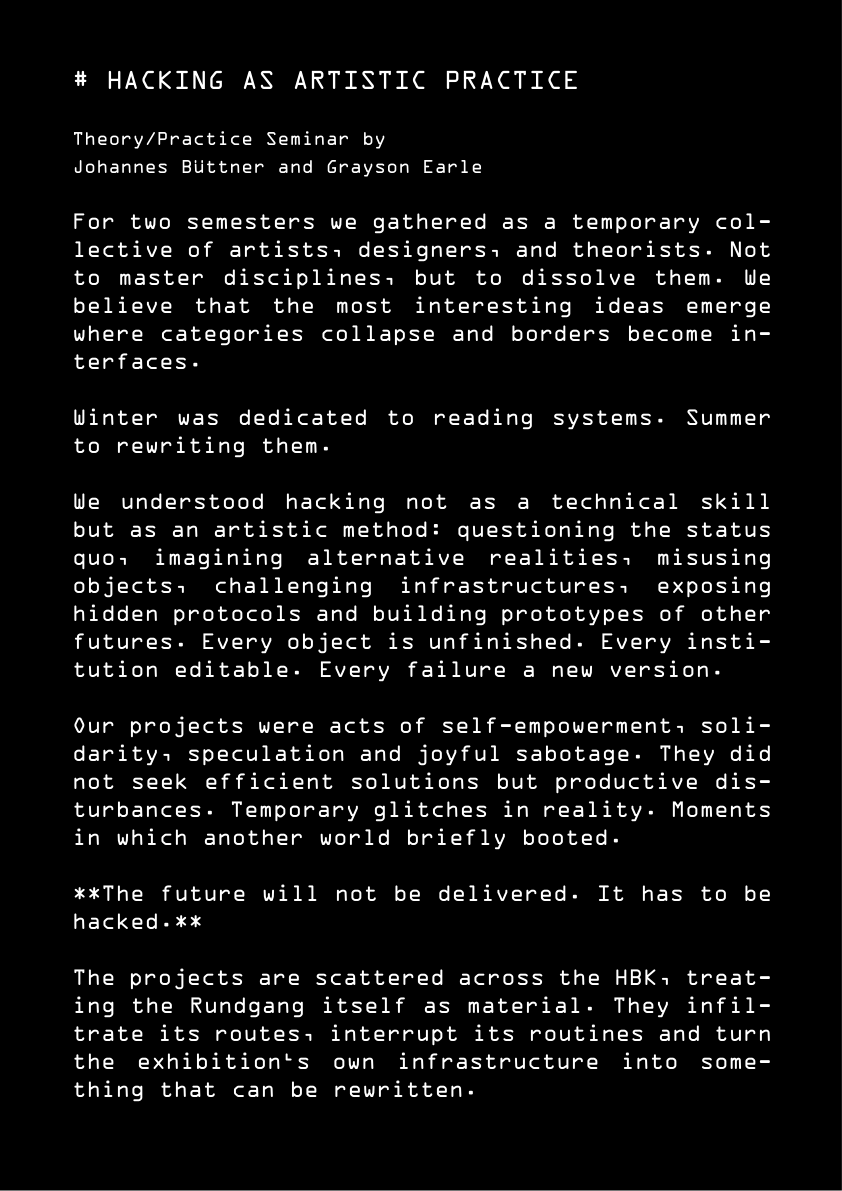
Hacking als Praxis

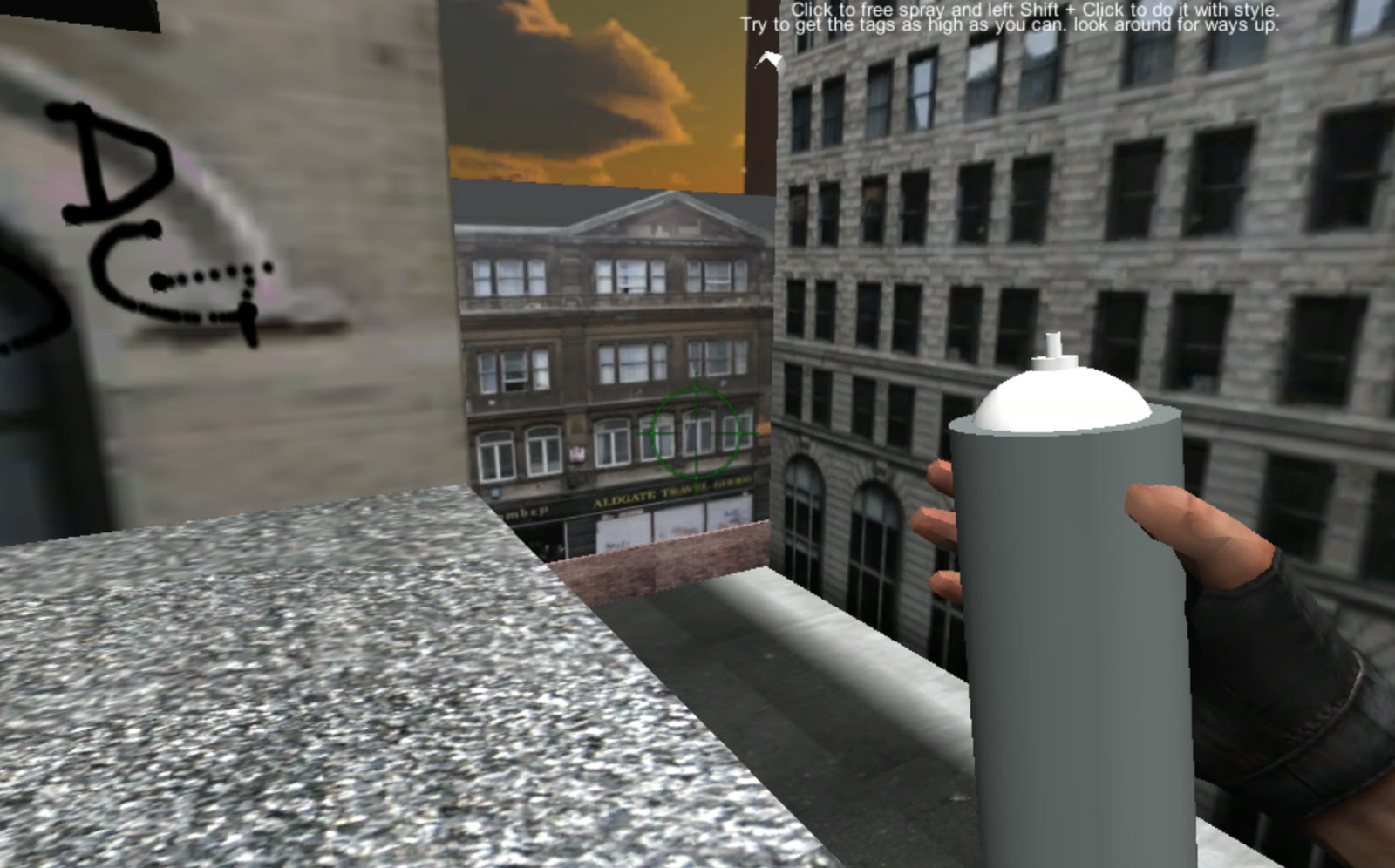
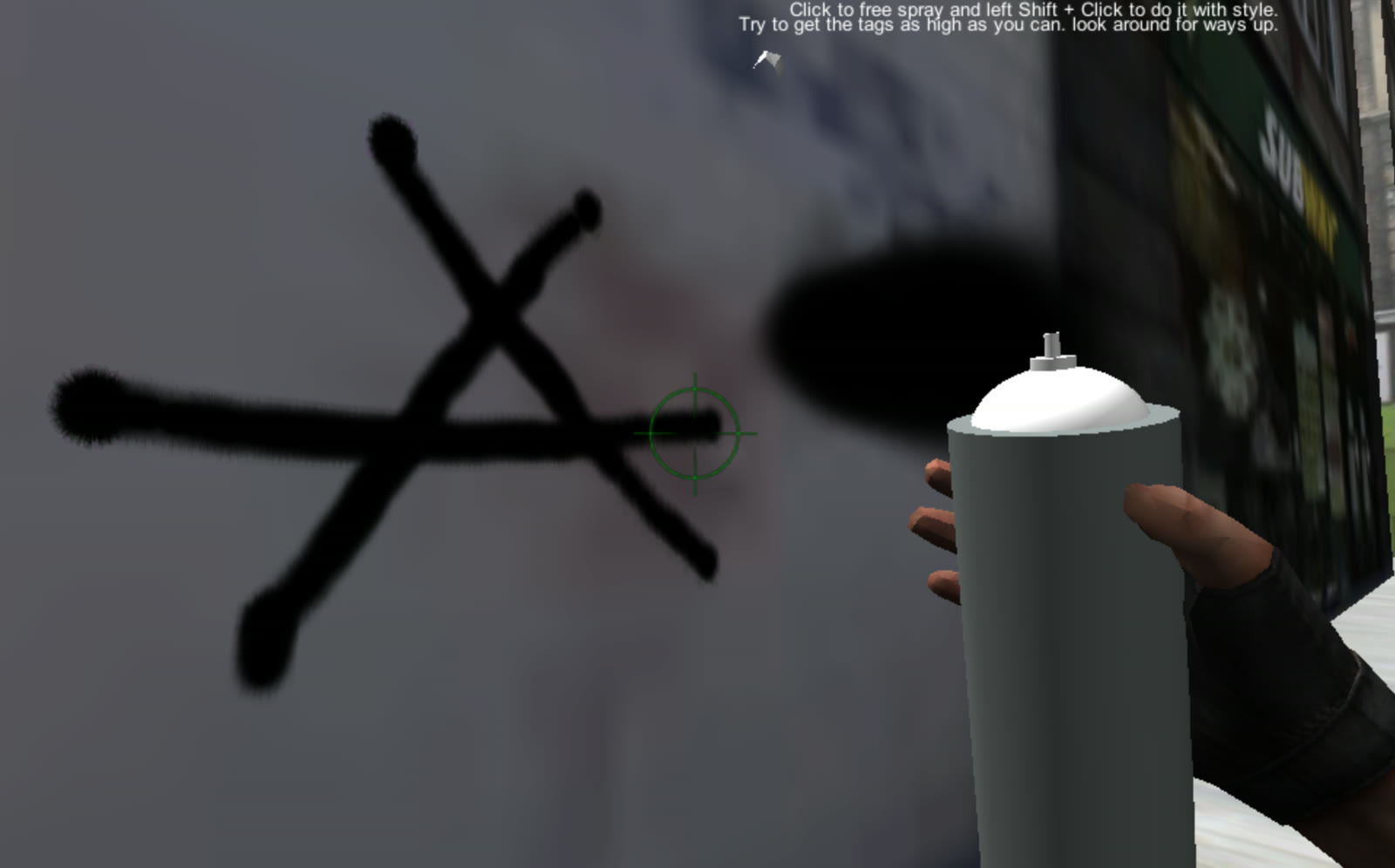
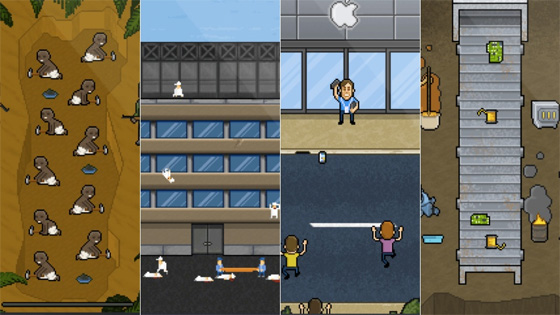
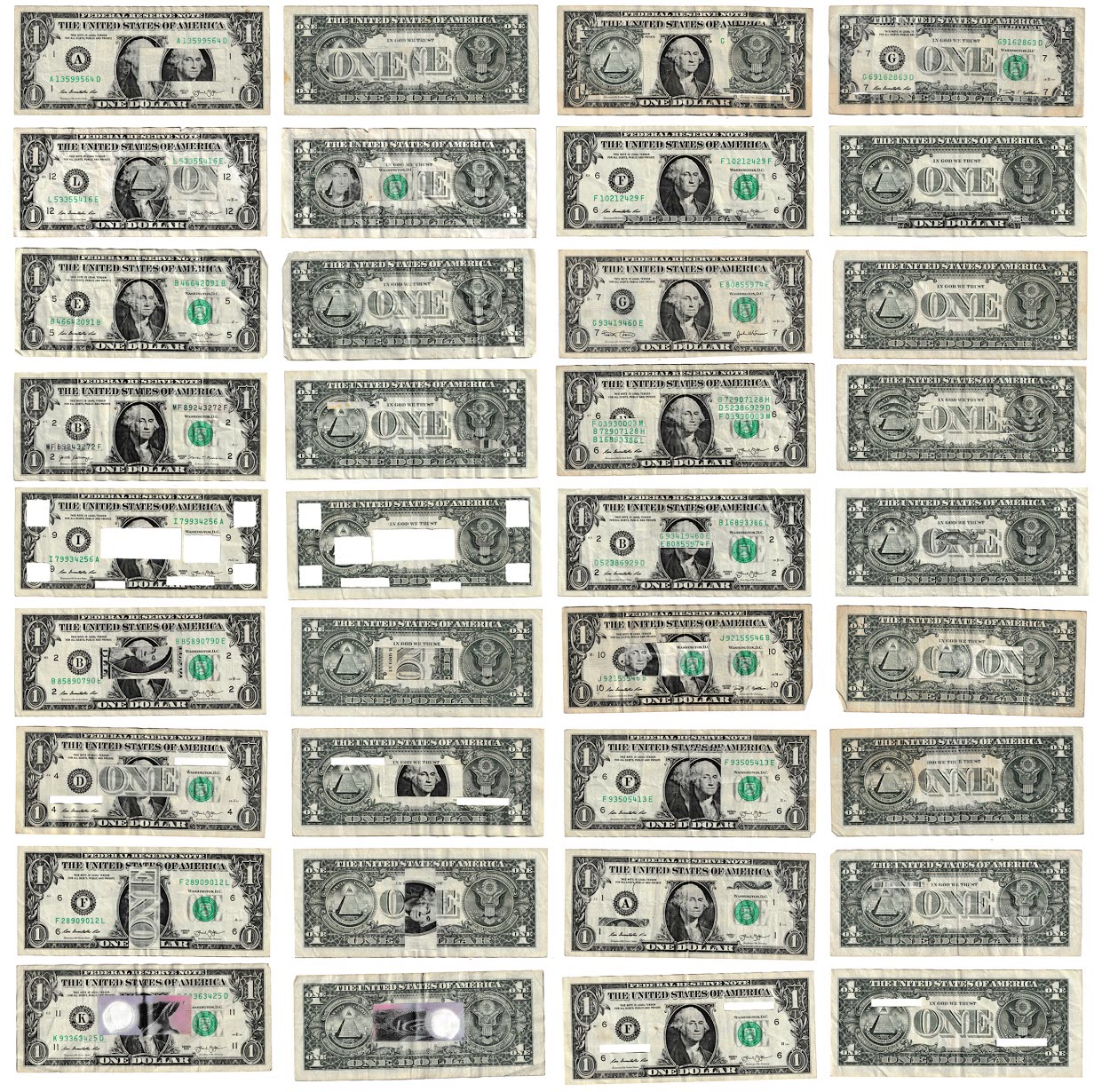
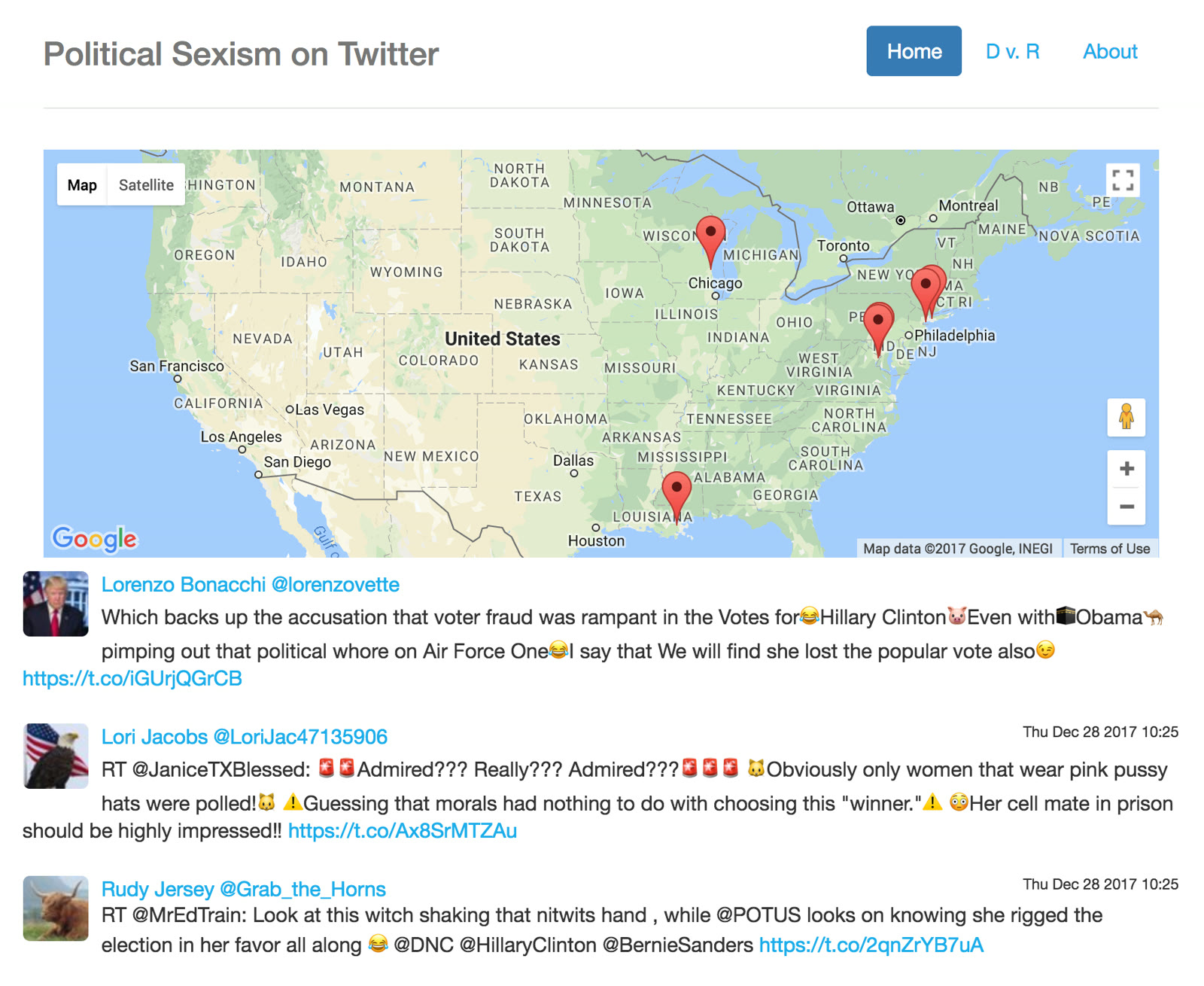
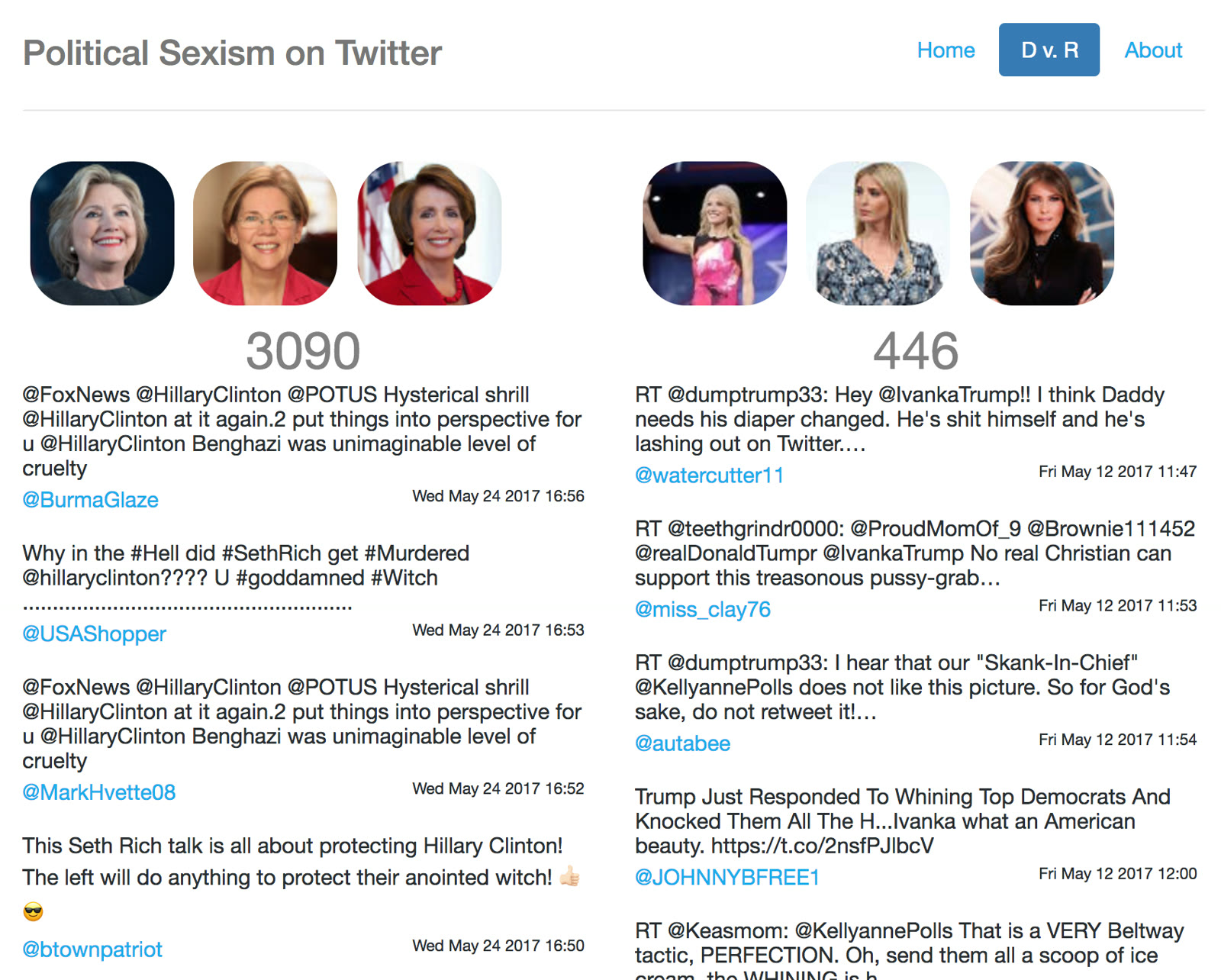
In this course, we examine hacking not just as a technical exploit, but as a critical artistic and political practice. Students explore tactical media, subvert digital infrastructures, and unpack the hidden politics embedded in software, games, and networks. Taking inspiration from guerrilla projection, software modifications, and hardware tracking, we develop creative interventions that challenge authority, surveillance, and corporate logistics.

Schedule

Session 01: The Art of Subversion & Tactical Media

Week 1
Introduction to tactical media history. Case studies of artistic interventions (e.g., Bail Bloc, The Illuminator, RTMark). Understanding systems as artistic mediums.
Assignment Identify a physical or digital system in your daily life and document its rules, constraints, and points of vulnerability.

Session 02: Deconstructing Code & Algorithmic Authority

Week 2
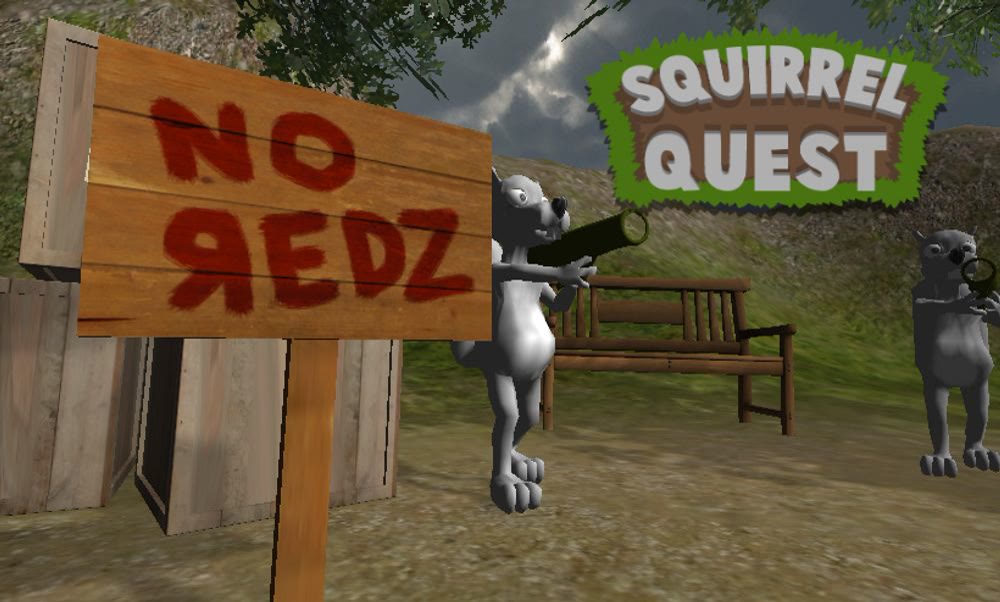
Code as law and ideology. Analyzing the rules governing digital spaces, including game engines, physics systems, and police behaviors in simulations. Textual analysis of code.
Assignment Write a critique of a specific system rule or boundary in a popular software, website, or game.

Session 03: Physical Interventions & Guerrilla Projections

Week 3
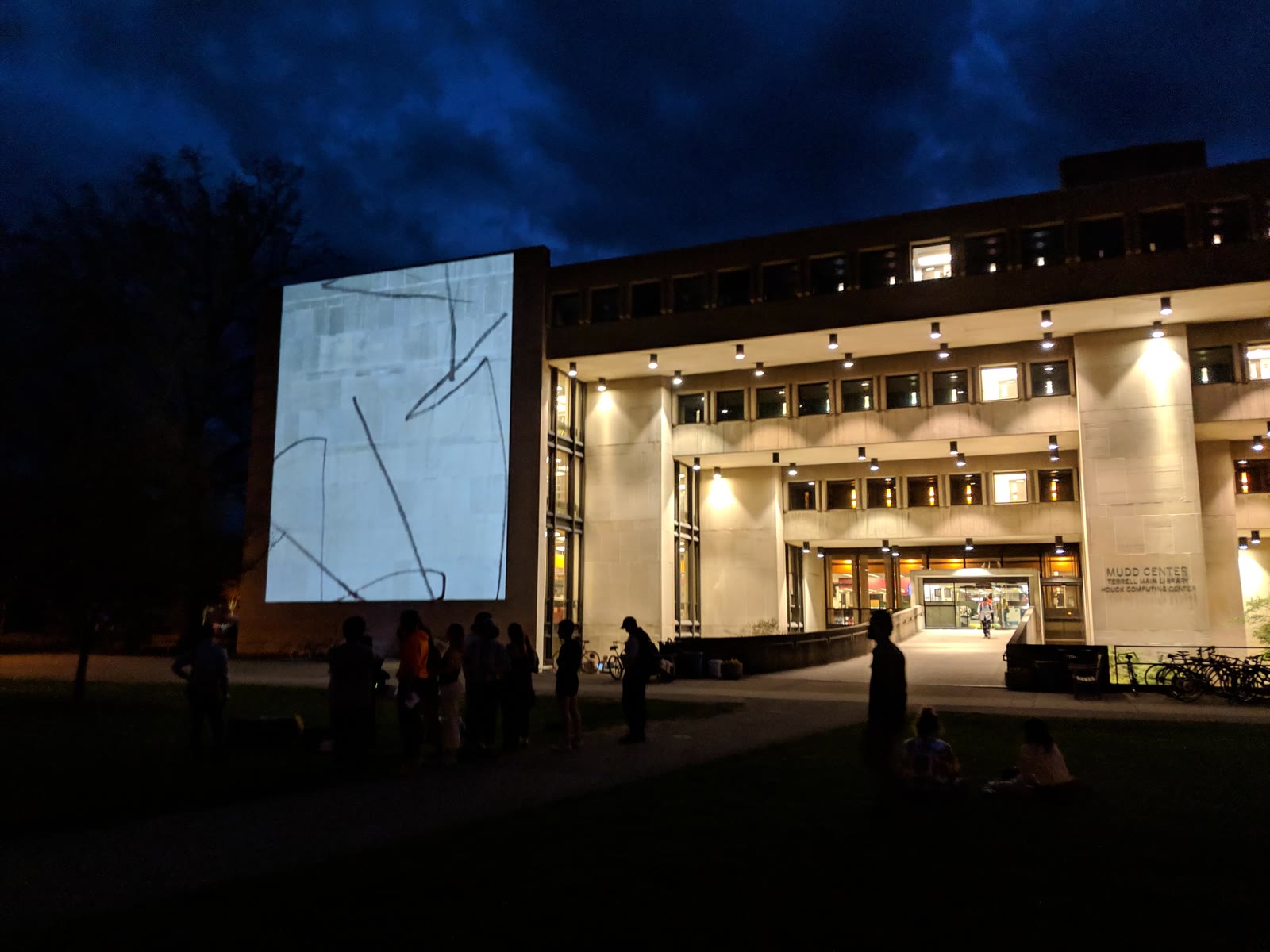
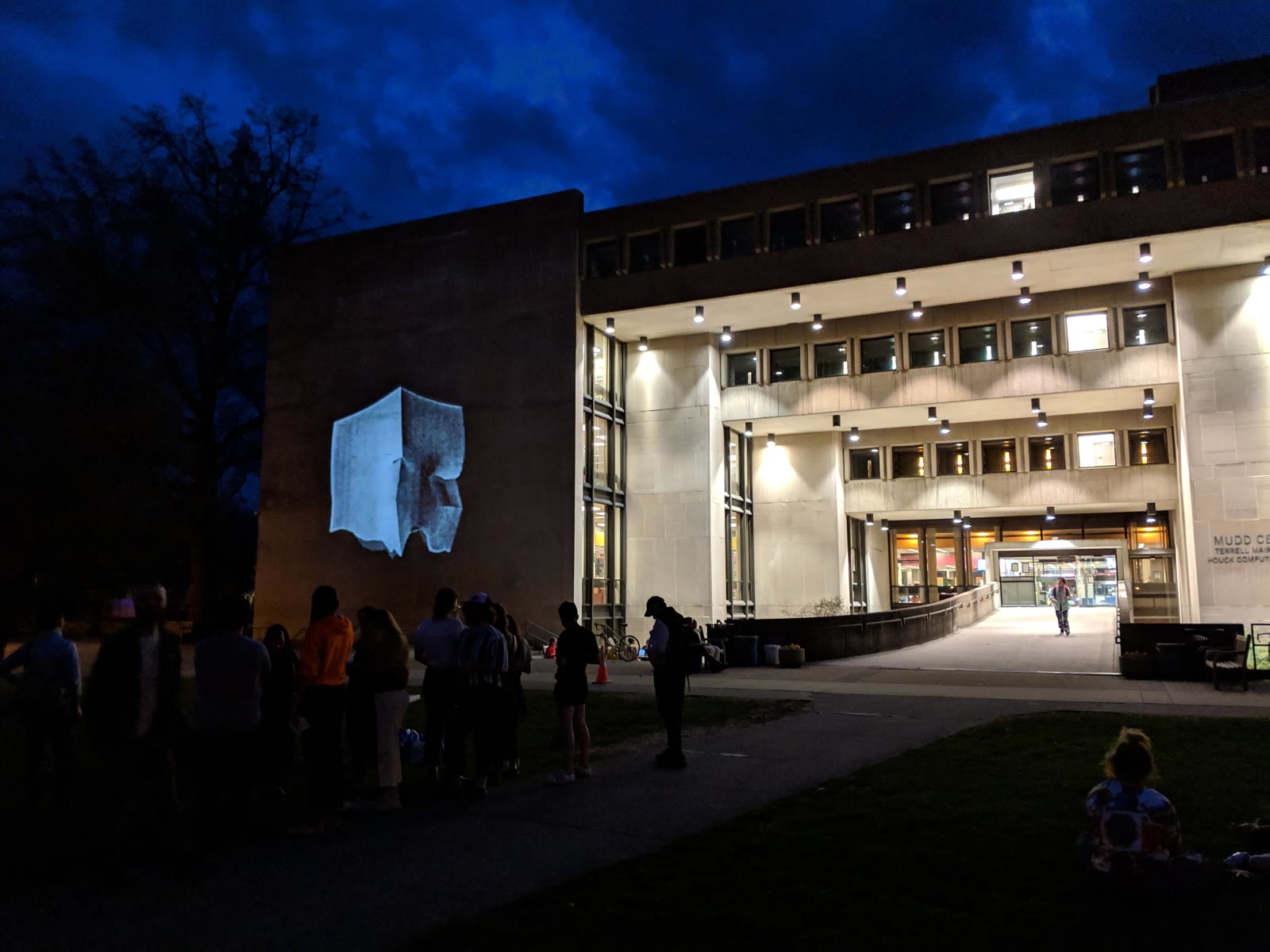
Reclaiming public space. The logistics and aesthetics of guerrilla projection. Mobile projection setups, urban hacking, and public display safety/legality.
Assignment Design a blueprint for a mock public projection intervention focusing on a local political or social issue.

Session 04: Hardware Modification & Counter-Surveillance

Week 4
Subverting commercial electronics. Tracing logistics networks (GPS tracking, hidden audio, logistics transparency) and reclaiming consumer hardware for counter-narratives.
Assignment Create a proposal for tracing or subverting an opaque supply chain, tracking mechanism, or surveillance tool.

Session 05: Network Interventions & Digital Commons

Week 5
Alternative networks, net-art, and decentralized structures. Software tools for community resistance, mutual aid, and self-hosted communication.
Assignment Prototype a simple offline or mesh-network concept using open-source tools.

Session 06: Student Project Proposals & Critique

Week 6
Pitching project ideas. Peer-review of concept papers and blueprints. Refinement of technical approaches and artistic statements.
Deliverable Project proposal document (1 page + conceptual sketch).

Session 07: Development and Prototyping Workshop

Week 7
In-class hacking session. Individual troubleshooting of software, hardware, and physical assemblies. Iteration on prototypes.
Deliverable Functional alpha prototype of the intervention.

Session 08: Final Showcase & Public Discourse

Week 8
Exhibition and presentation of student hacks. Critical discussion of the social, political, and aesthetic implications of the works.
Deliverable Completed subversive intervention or prototype and documentation.
School of Machines & Make Believe

Creative Coding & Electronic Mischief

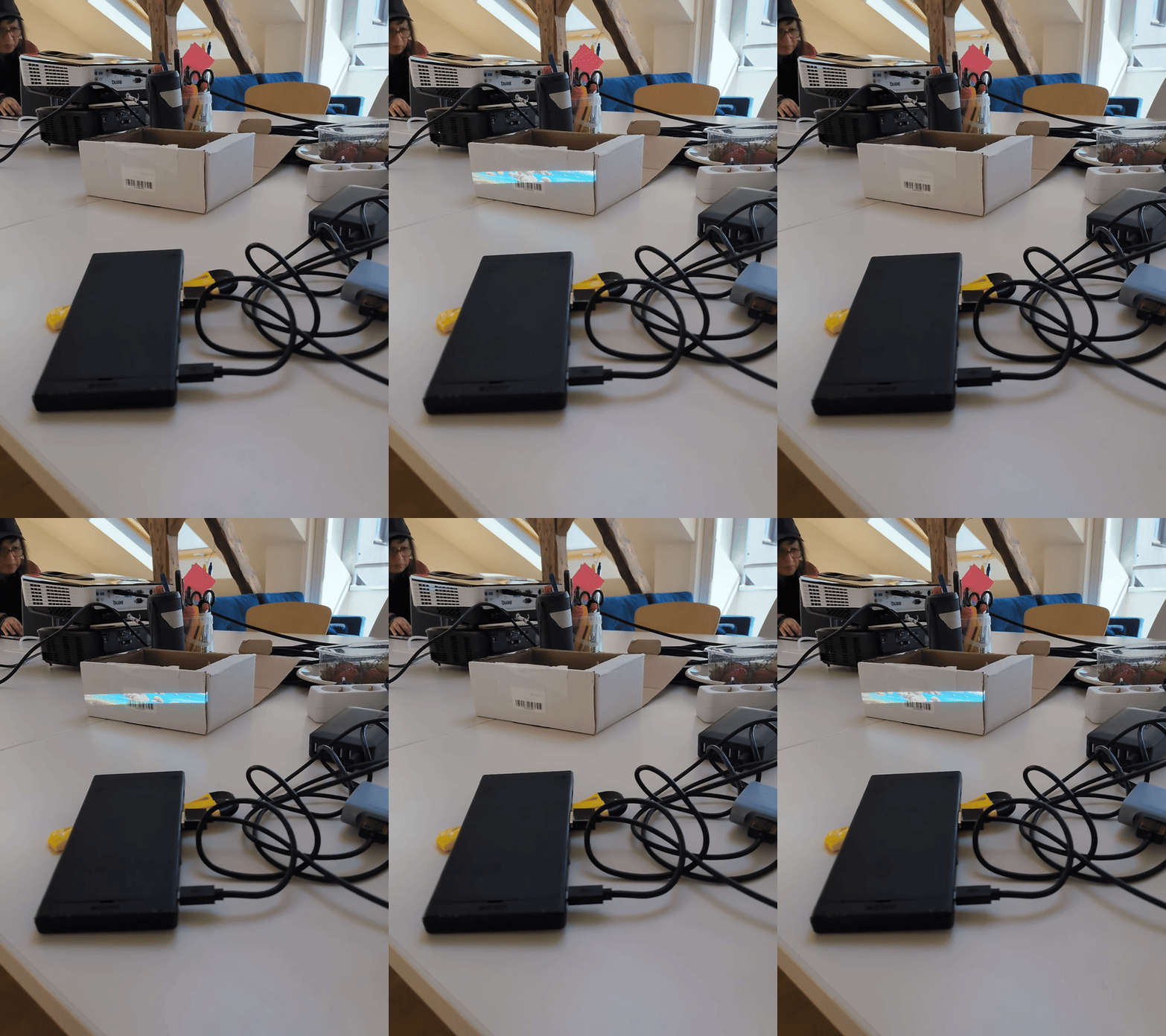
This course is about creatively misusing technology for art and activism, with a DIY/open-source approach. Students build their own tools, starting with basic electronics and 3D fabrication and working up to systems that connect hardware, software, and networks. The course ends with a final project that puts all of it together.

Schedule

Orientation: Welcome

Feb 3 & 5, 2026
Introduction to each other, course structure overview, installation check-ins, and goal alignments.

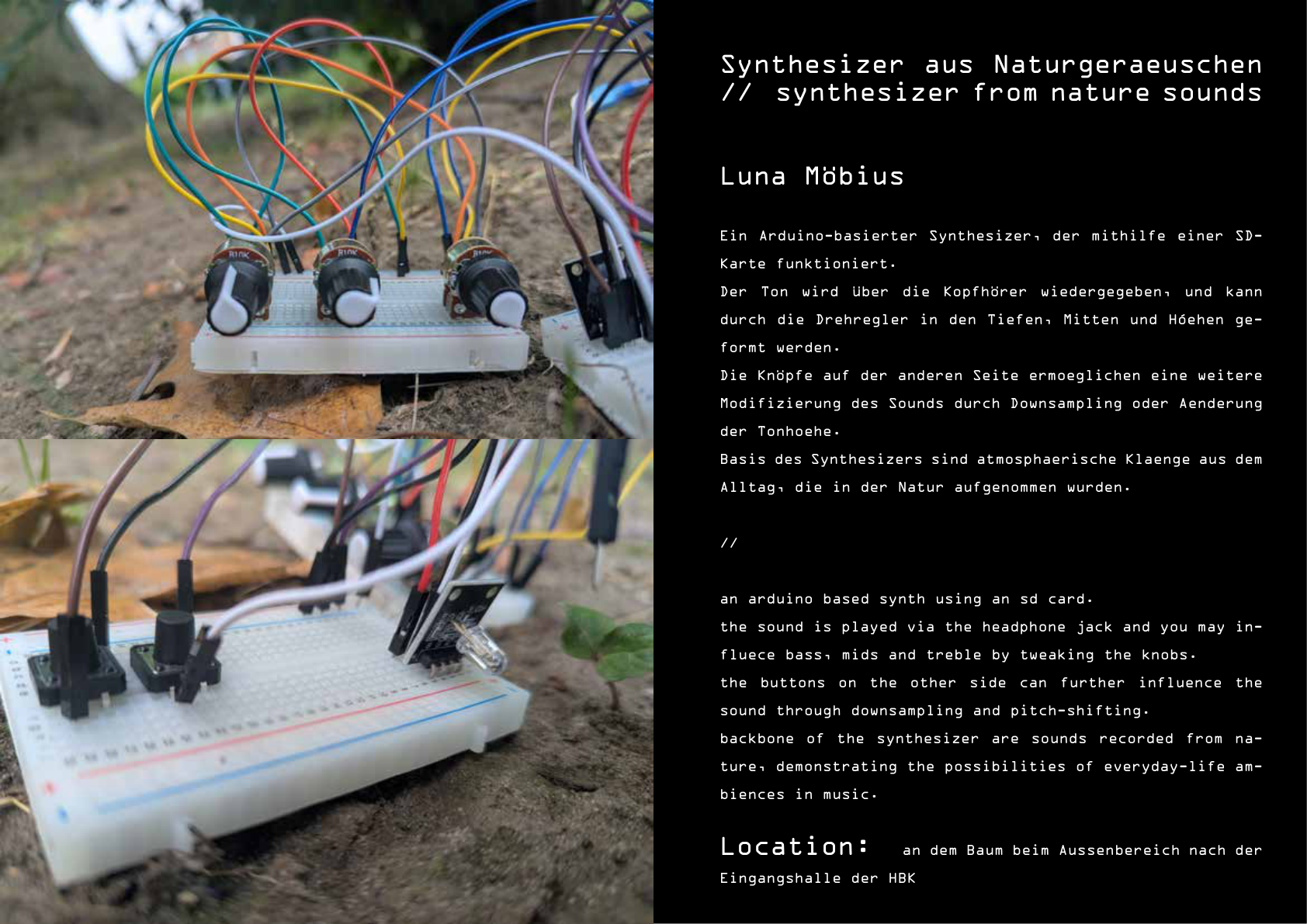
Session 01: Introduction to Arduino

Feb 10, 2026
  • Course overview and introduction.
  • What is electricity?
  • Introduction to Arduino hardware and pins.
  • Basic wiring and breadboards.
  • Blinking LEDs with digitalWrite().
  • Basic programming concepts: variables, constants, flow control.
Deliverable Working LED circuit with custom blink patterns.

Session 02: Inputs and Serial Communication

Feb 17, 2026
  • Conditional logic (if/else statements).
  • Reading digital inputs with buttons.
  • Understanding the floating state and pull-up/pull-down resistors.
  • Serial communication for debugging and monitoring.
  • Using the Serial Monitor to view Arduino output.
Deliverable Button-controlled circuit with serial feedback.

Session 03: Sound and Square Waves

Feb 24, 2026
  • How speakers and buzzers work.
  • Generating square waves with digitalWrite().
  • Understanding frequency and pitch.
  • Using the tone() function.
  • Building speaker circuits with piezo buzzers.
Deliverable Working sound generator with variable tones.

Session 04: Analog Input and Loops

Mar 3, 2026
  • Reading analog values with analogRead().
  • Understanding potentiometers and variable resistances.
  • Mapping values from one range to another with map().
  • Creating repetition with while loops.
  • Combining analog input with sound output.
  • Building interactive musical instruments.
Deliverable Potentiometer-controlled tone generator or simple synthesizer.

Session 05: Sensors, Servos, and Intro to Processing

Mar 10, 2026
  • Sensor showcase: ultrasonic distance sensor.
  • Introduction to servo motors and the Servo library.
  • Building a 2-DOF robot arm.
  • Introduction to Processing: installation and first sketch.
Deliverable 2-DOF robot arm; Processing installed with basic sketch running.

Session 06: Arduino ↔ Processing

Mar 17, 2026
Guest Instructor: Sarah Grant
  • Serial communication between Arduino and Processing.
  • Sending sensor data to control on-screen visuals (potentiometer → circle size).
  • Sending screen data to control hardware (mouse → servo angle).
  • Two-way communication with a call-and-response handshake.
Deliverable Two-way Arduino/Processing sketch (pot → circle size, mouse → servo).

Session 07 & 08: 3D Design & Fabrication

Mar 24 & 31, 2026
Guest Instructor: Sarah Grant
  • Introduction to 3D design and modeling.
  • Designing custom housings for electronics.
  • Slicing and 3D printing workflow.
  • Integrating hardware with printed parts.
Deliverable Custom 3D printed housing or component integrated with electronics.

Session 09 & 10: Projection Mapping with TouchDesigner

Apr 7 & 14, 2026
  • Introduction to projection mapping fundamentals.
  • Loading and configuring TouchDesigner.
  • Using kantanMapper for spatial mapping.
  • Assigning textures and media to projection shapes.
  • Aligning projections with physical objects.
  • Receiving OSC/MIDI data to trigger visuals.
  • Creating reactive installations.
Deliverable Projection-mapped installation triggered by physical sensors.

Session 11, 12 & 13: Final Project Workshop

Apr 21 – May 5, 2026
  • Final project development, assembly, and polishing.
  • Individual and group troubleshooting.
  • Instructor check-ins, testing, documentation, and presentation prep.
Deliverable Completed Final Project, ready for exhibition.

Final Exhibition

May 14, 2026
Exhibition of final installations and physical projects to the public.
Trust, Berlin

Unity for Artists: Virtual Environments

This 4-day intensive workshop is designed for artists and designers who want to use Unity 6 (a real-time 3D engine used widely in games, art, and architecture) to build immersive digital environments. No previous experience with Unity is required. In this no-code workshop students will learn how to create and inhabit virtual environments, focusing on environmental design, lighting, physics, and spatial audio.

Schedule

Day 1: Foundations & Spatial Sketching

Navigation & Prototyping
  • Introduction: Unity 6, Universal Render Pipeline (URP), and the Real-time Rendering Pipeline.
  • The Sandbox: Interface navigation (Hierarchy, Project, Scene, Game, Inspector).
  • Physics & Logic: Basic 3D objects and Rigidbody physics.
  • Concept Development: Pitching a narrative/spatial concept for the 4-day project.
  • ProBuilder: Greyboxing the environment layout.
  • Navigation: Setting up the First Person Controller.
Assignment Complete the basic architectural layout of your space.

Day 2: Building the World (Assets & Materials)

Populating & Styling
  • Asset Integration: Importing 3D models (GLB/FBX), using the Unity Asset Store.
  • Materials & Shaders: URP Lit Shader, Albedo, Normal Maps, Tiling, and Transparency.
  • Modular Design: Using Prefabs and ProBuilder for efficient world-building.
  • Environmental Detail: Introduction to foliage, simple particles (Fog/Dust), and decals.
Assignment Apply materials and populate your environment with high-fidelity assets.

Day 3: Atmosphere & Cinematic Storytelling

Lighting, Mood & Camera
  • Lighting Design: Directional vs Point/Spot lights, Light Layers, and Volumetric Clouds/Fog (Unity 6 features).
  • Spatial Audio: 3D Audio Sources, ambient wind/scapes, and Audio Reverb Zones.
  • Advanced Mood: Reflection Probes, Light Probes, and Skybox manipulation.
  • Unity Timeline & Cinemachine: Creating cinematic flythroughs and camera transitions.
  • Scripted Interactivity: Using provided scripts for triggers, rotations, and audio fades.
Assignment Create a 30-second cinematic flythrough with integrated spatial audio.

Day 4: Polish, Sound & Final Showcase

Deployment & Presentation
  • Post-Processing Mastery: Color Grading, Bloom, Motion Blur, and Film Grain.
  • Standalone Builds: Exporting your project as a playable .exe or .app.
  • Rendering & Capture: Using Unity Recorder to export high-quality video.
  • Final Group Review: Showcase presentations and peer feedback.
Deliverable Rendered cinematic presentation or standalone executable build.
Akademie Schloss Solitude

Unity for Artists: Virtual Galleries & Environments

This workshop is a hands-on, intensive format for artists who want to use Unity for spatial planning or building digital-only worlds. We skip the heavy coding and focus on a drag-and-drop workflow that gets you building immediately. By the end of the workshop, you will know how to mock up a gallery space to scale, set up lighting, and pull real-world objects into your scene using photogrammetry.

Schedule

Session 01: Morning Session

10:00 – 13:00
Interface basics, navigating the 3D viewport, building room layouts and custom gallery shapes using ProBuilder, and setting up first-person navigation controllers.
Lunch Assignment (13:00 - 14:00) Go find something to scan around the grounds of Solitude using Polycam.

Session 02: Afternoon Session

14:00 – 16:00
Importing 3D photogrammetry scans, setting up materials and high-quality textures, configuring lighting configurations and studio rendering, and studio time to polish your interactive virtual galleries.
Deliverable Scale 3D gallery room containing imported real-world scans.